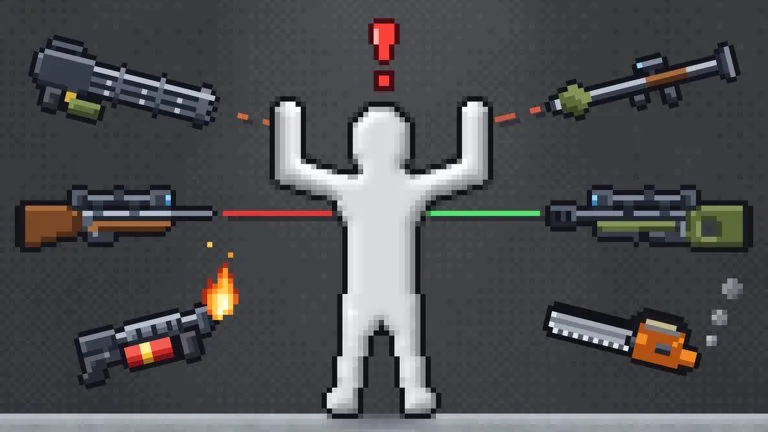
The game does not assign a mission. A useful session is one change at a time, then a look at what the dummy did.
Set up a readable test
- Press F1 and confirm you are holding the item you think you are holding.
- Left-click to put the dummy where you want the test to start.
- Press Space if you need the room still while you switch items.
- Right-click once. That uses the item.
- Press G if the motion is too fast to follow. Turn it off before you decide how fast the effect really is.
- Press H if you want bodies healed and the mess left in place. Press R if you want the room itself back to a clean start.
Run the same item twice from a reset room before you combine it with anything. Otherwise you cannot tell which part moved the dummy.
What the description says you can mix
The page groups the sandbox into four lists:
- Weapons: guns, swords, chainsaws, bombs, nukes. All of them use the right-click item action.
- Powers: black holes, tornadoes, meteors, time stop.
- Creatures: zombies, aliens, skeletons, plus a dragon that can burn the dummy, plus other creatures the page does not name.
- Elements: sand, water, fire, lava.
A practical mix is one weapon, then one element, then a reset, then the same weapon with one power. Creature spawns are a third test: put one creature in a clean room before you add a second. Details and the premium-only names are on Weapons and tools, Powers, Creatures, and Elements.
What not to conclude
No damage, range, or cooldown numbers are published, so a louder effect is not a measured stronger effect. Community pages sometimes describe a nuke as wiping every player. The product that is actually described that way is the separate Nuke Everyone purchase, not the nuke named in the free weapon list. Keep those apart.
Kills feed a TOP KILLS board. VIP, at 249 Robux, is described as counting your kills twice on that board. The page does not say what action counts as a kill, so do not assume a fling, a heal, or a reset adds one.
If you are about to spend Robux to try a premium effect for a few minutes, the ad trial and the 3 Robux power try are the smaller commitments. See Passes, trials, crates, and server effects.